
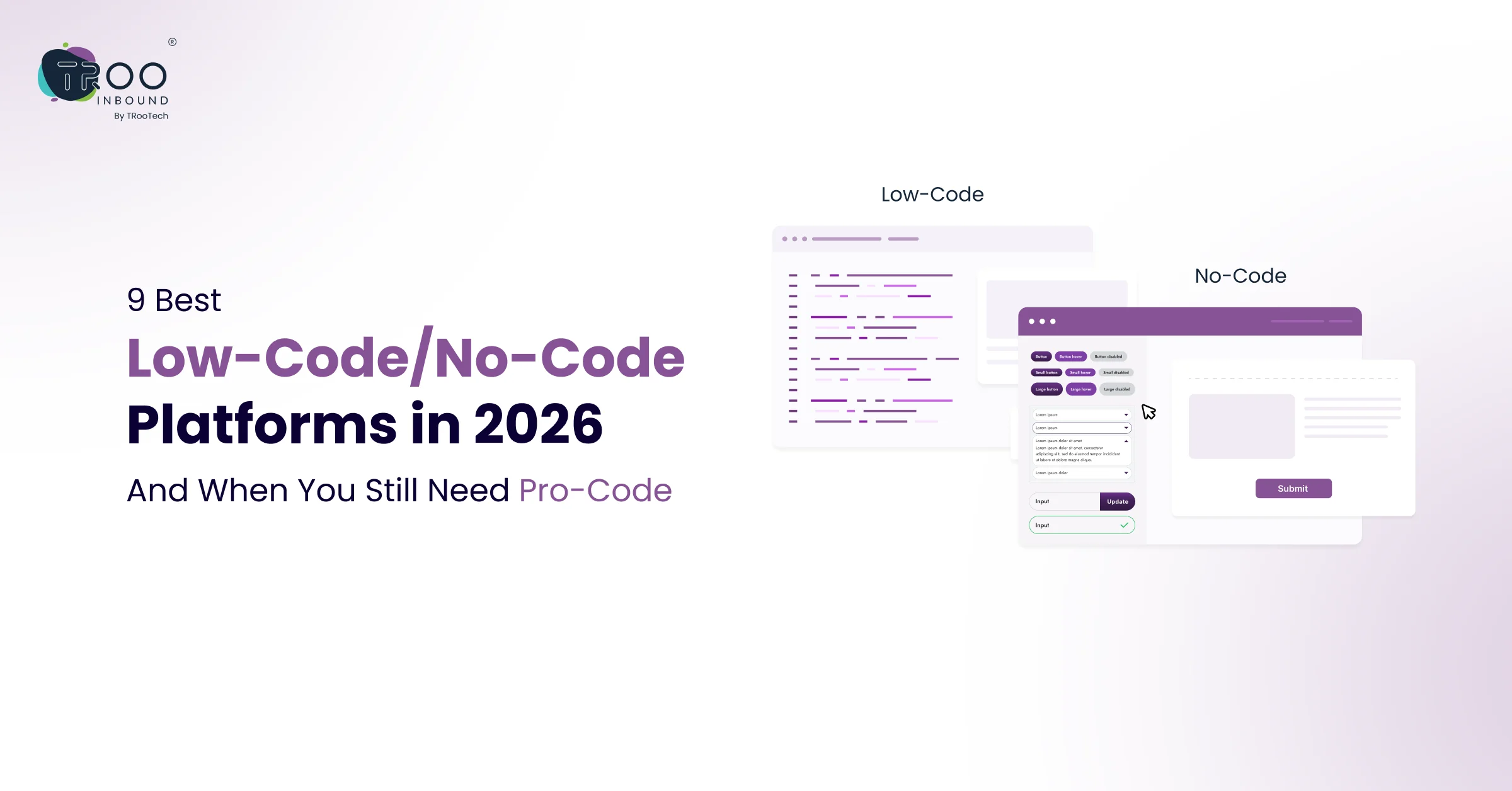


Low-code and no-code (LC/NC) platforms like WebFlow, HubSpot CMS, Bubble, Wix, WordPress, etc., are tools that allow users to develop software, websites, and apps using drag-and-drop interfaces instead of traditional programming, where writing every line of code is necessary.
Today, the demand for low-code/no-code platforms is increasing because leaders want to make their projects go live in weeks and not months. As per Hostinger’s statistics, the low-code market will reach $101.7 billion by 2030. This whopping growth indirectly reflects the hype of faster outputs caused by AI.
But here is where things get interesting. These platforms are not a replacement for professional development / professional code (pro-code) in every scenario. Knowing when to use them and when to bring in expert developers can save your business both time and money.
In this guide, we break down the 9 best low-code and no-code platforms in 2026, what each one is best suited for, and the situations where pro-code is still the right call.
What Are Low-code and No-code Approaches?
Let’s first brush up on the basics of what low-code and no-code are and their differences.
What is Low-code?
What is No-code?
Low-code vs No-code
| Comparison Aspects | Low-code | No-code |
|---|---|---|
| Target User | Developers and IT professionals. | Non-technical business users |
| Customization | High; allows for custom code or scripting to extend functionality. | Limited to the provided templates and widgets (plug-and-play) |
| Complexity | Suitable for complex applications, heavy business logic, and enterprise systems. | Best for simple applications, prototypes, or specific functional tools. |
| Use Cases | Core business systems, integrations with legacy systems and complex data modeling | Simple workflows, UI builders, internal marketing tools |
9 Best Low-code and No-code Platforms For Faster Development
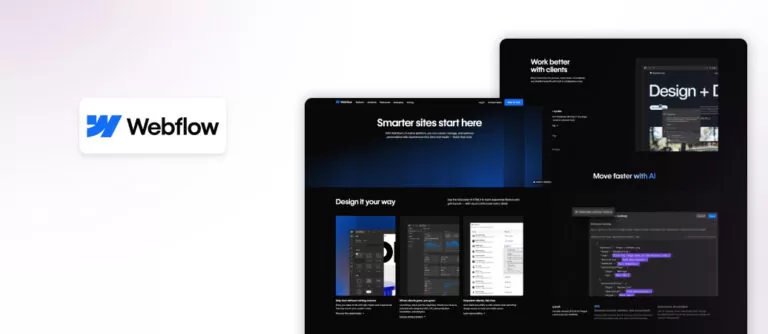
Webflow is primarily a no-code website builder that generates clean code (HTML, CSS, JS) automatically, allowing users to build professional sites without manual coding.
As Webflow combines design freedom with no-code development, it has become a go-to choice for designers who want full creative control without writing code.
Best for: Marketing websites, landing pages, design portfolios, startup sites, and content-driven product pages.
Strengths: Pixel-perfect design control, clean code output
Limitations: Learning curve for beginners
What makes Webflow stand out is its fidelity to design intent. You are not constrained by rigid templates. You build visually, but the output is real, semantic code.
It also includes a built-in CMS for dynamic content, e-commerce functionality, and a hosting infrastructure that handles performance and SSL out of the box. Businesses that want design precision often rely on professional Webflow services to achieve high-performance websites.
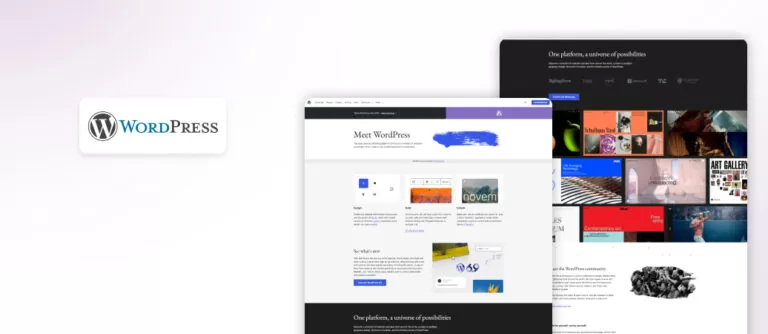
WordPress acts as a no-code platform for non-tech or beginner users using plugins and drag-and-drop builders like Elementor, but it acts as a low-code platform for advanced users who use PHP, CSS, or custom fields to extend functionality.
It has thousands of plugins and themes, using which you can build anything from a simple portfolio site to a full e-commerce store or a membership platform.
The Gutenberg block editor makes page building visual and approachable for non-developers. Meanwhile, tools like Elementor, Divi, and Bricks Builder push it even further into no-code territory.
Best for: Blogs, content-heavy websites, business sites, WooCommerce stores, and news portals.
Strengths: Massive ecosystem, SEO-friendly, flexible customization
Limitations: Requires optimization and technical expertise for advanced use.
Plus, performance and security require regular attention, which is why many businesses choose to hire WordPress developers to handle builds and ongoing maintenance.
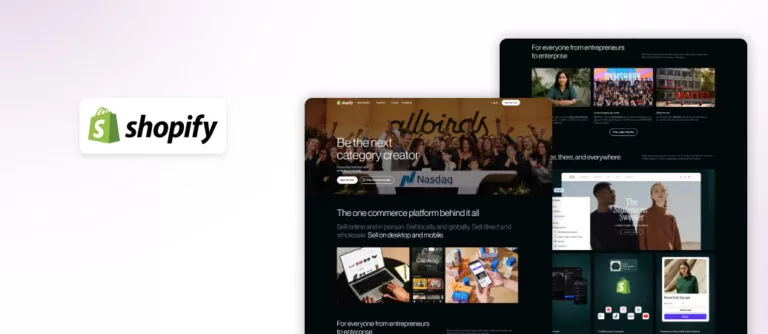
Shopify lets users build fully functional stores using drag-and-drop editors and thousands of apps without coding, while developers can use Liquid (HTML/CSS) to create custom themes and apps. This means it’s primarily a no-code platform, but it can act as a low-code platform for advanced online-store customization.
For e-commerce, Shopify is the gold standard. It handles everything a store owner needs: product management, payment processing, inventory, shipping, tax calculation, and storefront design, and all of this happens without writing a single line of code.
Best for: D2C brands, small to mid-size e-commerce businesses, and omnichannel retail.
Strengths: Easy setup, secure infrastructure, app ecosystem
Limitations: Highly customized checkout flows or niche product logic may push you toward Shopify’s Liquid templating language or custom app development.
For brands looking to stand out, investing in Shopify services helps unlock custom themes, advanced integrations, and conversion-focused design.
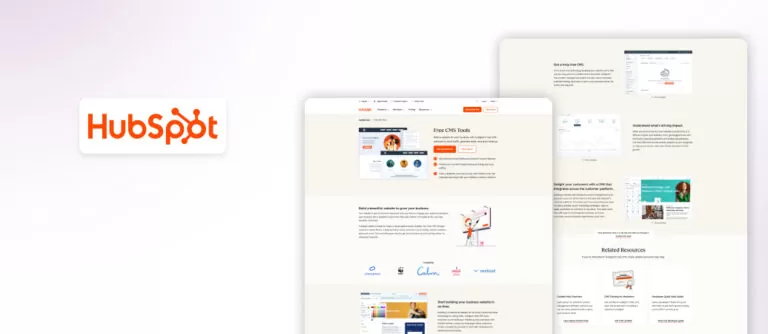
HubSpot CMS acts as a hybrid – no-code platform as well as a low-code platform, depending on end-users’ requirements.
It’s a no-code platform for marketers and content creators, featuring a drag-and-drop editor, pre-made themes, and drag-and-drop modules for building websites without coding.
However, it operates as a low-code platform for developers who need to create custom modules, advanced functionality, or custom themes using HTML, CSS, and HubL (HubSpot Markup Language)
Best for: B2B companies, inbound marketing campaigns, SaaS businesses, and sales-driven organizations.
Strengths: Native CRM integration, personalization, automation
Limitations: Higher cost compared to basic platforms.
Marketers can build and edit pages without developer support. Its personalization features let you show different content to different audience segments. The drag-and-drop editor is intuitive, and the built-in analytics mean you can measure performance without connecting third-party tools.
Businesses focused on revenue growth choose to hire dedicated HubSpot developers to help create a fully connected digital ecosystem.
Same with the HighLevel platform, it acts as both a low-code and a no-code platform as per users’ development requirements.
As a no-code platform, it builds marketing funnels, websites, and automation workflows using drag-and-drop tools. While it requires no coding to build, it has a steep learning curve and acts as a “low-code” or “no-code” tool that allows users to create AI-powered tools without programming skills.
Best for: Marketing agencies, local service businesses, coaches, and consultants.
Strengths: All-in-one solution, automation capabilities
Limitations: Limited design flexibility compared to WordPress & Webflow.
For businesses prioritizing efficiency, automation, and scalability over highly customized design, it offers a practical and cost-effective solution, especially when managing multiple clients or campaigns from a single dashboard.
Bubble is a no-code platform that uses a drag-and-drop visual interface to create full-stack web apps, database structures, and complex logic without requiring traditional programming languages.
While termed no-code, it has a steep learning curve and allows highly complex logic to build modern solutions, leading some to describe it as a “visual coding” platform.
Unlike page builders, Bubble lets you create dynamic applications with real databases, user authentication, complex logic, and API integrations.
Best for: SaaS MVPs, marketplaces, internal tools, and startups validating product ideas.
Strengths: Full app-building capability
Limitations: Performance limitations for large-scale apps
For products that need to scale to millions of users, Bubble’s performance and customization boundaries become apparent. At that stage, pro-code becomes necessary.
Like other low-code/co-code platforms, Airtable is also a hybrid tool. It acts as a no-code platform that often bridges into low-code territory, making it a flexible tool often categorized under LC/NC.
Best for: Project management, content calendars, CRM alternatives, inventory tracking, and internal operations.
Strengths: Flexibility, collaboration features
Limitations: Airtable is not designed for customer-facing applications. It works best as an internal operations layer.
It sits at the intersection of spreadsheet and database. On its own, Airtable is a powerful tool for organizing data, managing projects, and building internal workflows. Combined with its automation features and external integrations via Zapier or Make, it becomes the backbone of many business operations.
In 2026, Airtable’s interface designer was built to help teams build lightweight internal apps on top of their data without any development effort.
Zapier is a no-code workflow automation tool that lets users create workflows (called ‘Zaps’) between different applications using a drag-and-drop, visual interface. It is specifically designed for non-technical users to build complex integrations without writing code.
It is designed for non-technical users to build complex integrations without writing code. However, it offers low-code features, such as custom Code by Zapier steps for JavaScript or Python, for advanced users.
Best for: Workflow automation, app integrations, marketing and sales operations
Strengths: Supports thousands of app integrations, is easy to set up without technical expertise, and saves time by automating repetitive tasks
Limitations: Complex workflows can become difficult to manage, and costs increase as task usage grows
Zapier is especially valuable for businesses that rely on multiple tools and want them to work together seamlessly. It plays a crucial role in connecting platforms like CRM systems, email marketing tools, ecommerce platforms, and internal databases without requiring custom development.
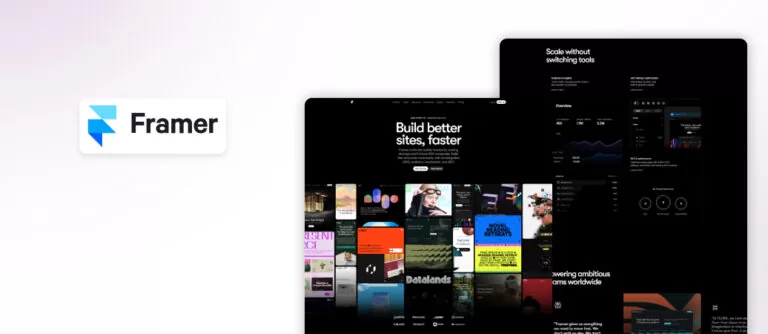
Like other LC/NC platforms we explored, Framer is also a hybrid platform providing no-code website building capabilities for designers who want to create high-performance, animated sites using a visual interface similar to Figma.
On the other hand, it also offers low-code capabilities for developers to create custom React components.
Best for: High-converting landing pages, startups, design-first websites
Strengths: Smooth animations and interactions out of the box, clean and modern UI with fast performance, and built-in CMS for dynamic content
Limitations: Less flexible than WordPress for large-scale websites, and a limited ecosystem compared to more mature platforms
Originally known as a prototyping tool, Framer has evolved into a full-fledged website platform that competes with tools like Webflow, especially for landing pages and marketing sites.
So, these are the nine best low-code no-code platforms that businesses rely on for quick software, app, and web development as well as workflow automation. Now, let’s understand what pro-code is and when working with pro-code becomes necessary.
What is Pro-Code?
Pro-code, often called high-code or traditional development, is the conventional, manual way of developing software, applications, and websites by using languages like Java, Python, C#, JavaScript, etc.
Unlike low-code/no-code, pro-code involves writing detailed, complex code from scratch, providing full control, scalability, and customization for complex projects. It is often called traditional development or high-code
Low-code vs No-code vs Pro-code
Each approach serves a different stage of business growth. Understanding the differences helps you choose the right approach.
No-code:
Ideal for non-technical users who want quick solutions. Limited customization.
Low-code:
Balanced approach with flexibility and speed. Suitable for growing businesses.
Pro-code:
Fully custom development using programming languages. Best for complex, scalable systems.
When Low-code No-code Platforms Are the Right Choice
Low-code and no-code platforms are powerful, but they are not universal solutions.
They work best when:
- You need to launch quickly
- Your requirements are standard or moderately complex
- The budget is limited
- You want to test a new idea or MVP
- Your team lacks deep technical expertise
For many marketing websites, landing pages, and ecommerce stores, these platforms are more than enough.
When You Still Need Pro-Code Development
Low-code and no-code platforms are genuinely powerful. But they are not the answer to every problem. Here are the situations where professional development is still the right investment.
1. Custom business logic
If your product involves complex calculations, unique data relationships, or workflows that no platform has a template for, you need code. Custom logic built on a no-code tool often becomes a patchwork of workarounds that slows you down over time.
2. Developing performance-critical applications
3. Security and Compliance
4. Complex third-party integrations.
5. Owning your infrastructure.
How To Choose The Right Platform?
Selecting the right platform depends on your business stage and objectives. There is no one-size-fits-all solution. Here is a simple way to think about platform selection in 2026.
- If you are a startup, speed and cost matter more. No-code platforms can help you validate ideas quickly.
- If you are scaling, flexibility becomes important. Low-code platforms offer the right balance.
- If you are an enterprise, performance and customization take priority. Pro-code development becomes essential.
Final Verdict
The low-code and no-code landscape in 2026 has now become more capable than ever. Platforms like WordPress, Webflow, Shopify, HubSpot CMS, HighLevel, Bubble, Framer, Airtable, Zapier, etc. have collectively lowered the cost of building digital products for millions of businesses worldwide.
But the key is knowing which tool fits your specific use case and being honest about when professional development is the smarter long-term investment. Speed matters. But so does building on a foundation that can scale with your business.
If your goal is long-term growth, combining the speed of low-code with the power of custom development is the real advantage. And that is exactly where the right revenue growth partner, like TRooInbound, can make all the difference.
At TRooInbound, we specialize in helping businesses get the most out of these platforms. From WordPress services and Webflow services to Shopify services and HubSpot CMS services, our team brings platform expertise and development experience to every project.
Whether you are starting from scratch, looking to improve an existing setup, or finding a reliable pro-code partner, we are here to help you build smarter.