
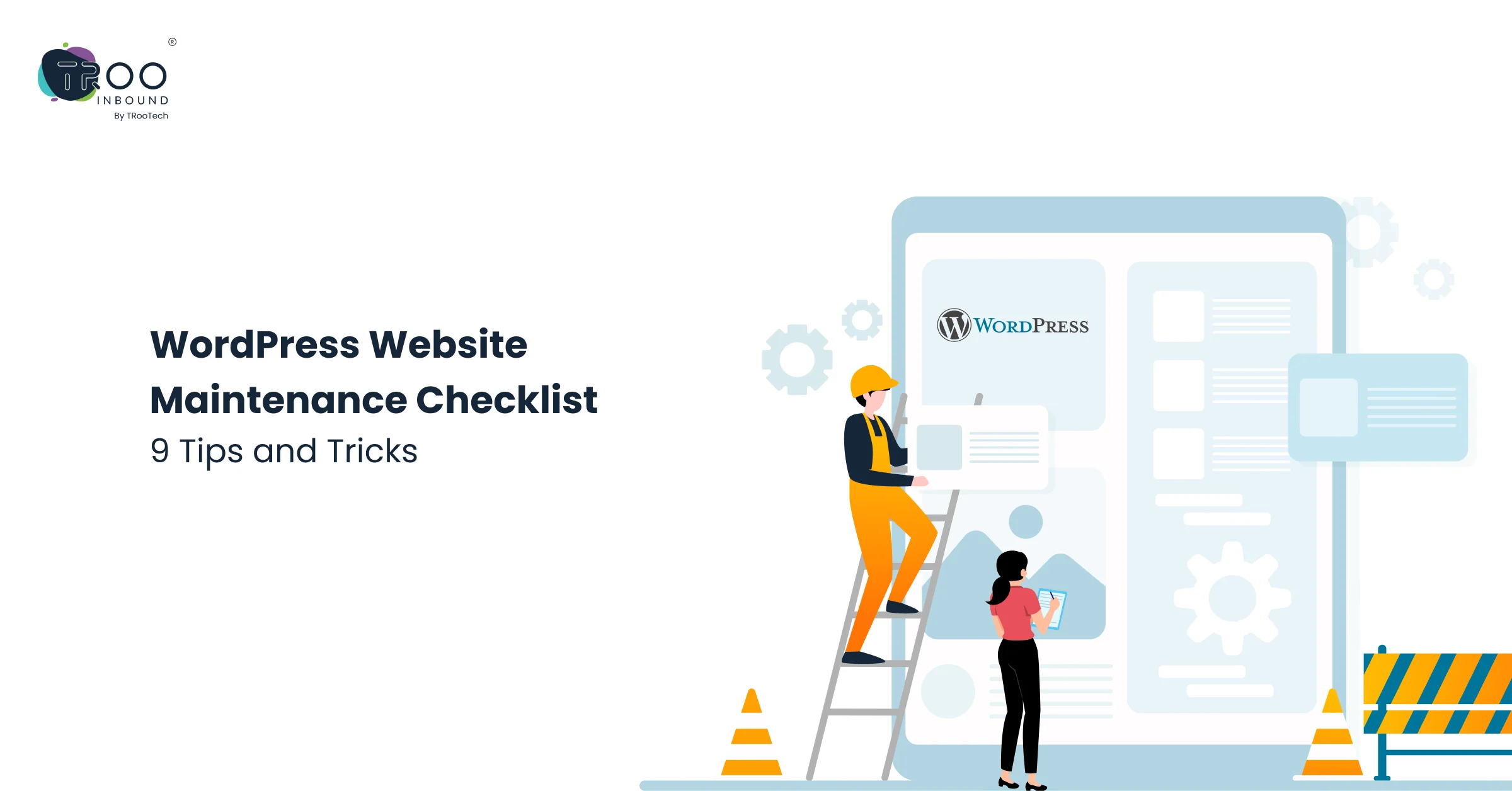


Accepting a high-paying job offer is just the beginning; the real challenge is staying with it for a long time. In the same way, developing a full-fledged WordPress site is just the beginning. The real responsibility lies in upgrading, securing, and maintaining it regularly.
A website is not something you set up once and forget about. Many website owners make the mistake of assuming their work is done once the site is live. But over time, plugins become outdated, security loopholes emerge, and content loses relevance. Neglecting these updates can quickly turn your site vulnerable.
To overcome this situation, you can follow a timely maintenance routine or invest in a professional WordPress website maintenance package. This will keep your digital presence updated, secure, and growth-ready.
Let’s explore the most-used WordPress maintenance tips & tricks to keep your site future-ready.
Benefits of Practicing WordPress Website Maintenance
Imagine this:
You launched a new online store, sales started to pour in, and everything worked well until the site slowed down one day. Then some strange pop-ups appeared out of nowhere, and now it’s gone offline completely! The culprit? Skipped updates and ignored maintenance. That’s why regular site maintenance is necessary.
Here are the benefits of WordPress website maintenance:
- Makes your site secure from hackers: Hackers often target outdated WP versions, themes, or plugins. Regular updates and security checks minimize these risks.
- Improved user experience: Visitors expect smooth navigation, updated content, and no broken links. Maintenance ensures your site delivers on those expectations.
- Faster load times: Speed directly affects user satisfaction and SEO rankings, and a well-maintained site loads quickly, keeping users and search engines happy.
- Reduced downtime and errors: Routine monitoring and fixes prevent sudden crashes that could hurt your brand’s credibility.
When you look at it this way, maintaining a website is not just about fixing issues; it is about protecting your investment and setting the stage for sustainable growth.
The Ultimate WordPress Website Maintenance Checklist
A good checklist makes big responsibilities manageable. Website maintenance may sound technical, but breaking it into regular tasks makes handling easier. Consider it your site’s routine health checkup that keeps it running strong. Here is a practical WordPress website maintenance checklist every site owner should follow.
1. Run Security & Malware Scans
Cyberattacks are becoming more common, and WordPress websites are frequent targets. Security plugins like Wordfence, Sucuri, or iThemes Security can run malware scans, monitor login attempts, and block suspicious activity. Enabling two-factor authentication for admin logins adds an extra layer of protection.
2. Keep on Taking Regular Backups
Regular backups protect against unexpected failures, hacks, or human errors. It helps you restore your site quickly without losing valuable content or data. You can also automate this process through tools like UpdraftPlus, BlogVault, or hosting-provided backup services.
3. Update WordPress Core, Themes, and Plugins
Updates are not just about getting new features; they also carry security patches and bug fixes that keep your website stable. Neglecting them can leave your site vulnerable to hackers or compatibility issues.
Pro tip: Always test updates on a staging site first, then roll them out to your live website to avoid future issues.
4. Test Forms and Functionalities
5. Keep Content Fresh
6. Check SEO and Analytics
7. Clean Database and Spam
8. Monitor Uptime and Hosting Health
9. Check Mobile Responsiveness
How Often Should You Perform WordPress Website Maintenance?
It depends on the type of website you run and its activity level. But having a schedule ensures nothing slips through the cracks. Here is a simple timeline to follow:
Weekly Tasks
- Back up your site
- Update plugins, themes, and WordPress core
- Clear cache and optimize images
- Moderate comments and remove spam
- Check site speed and fix broken parts
Monthly Tasks
- Run a complete security scan
- Review analytics to understand traffic and conversions
- Test forms, checkout pages, and critical site functions
- Check for broken links and resolve them
- Update older content with fresh content
Quarterly Tasks
- Review your hosting plan to ensure it’s still useful
- Audit your plugins and remove the ones you no longer use
- Test website responsiveness across devices and browsers
- Conduct a mini SEO audit to stay competitive in search rankings
- Review uptime reports to identify any recurring issues
DIY vs. Professional WordPress Website Maintenance Services
The other question lingering in your mind is: Whether to do it yourself or hire experts. Its answer depends on your time, technical skills, and how critical the situation is.
DIY Is Good For
Do-it-yourself is a good alternative for small personal blogs or simple business sites. With the right tools and consistency, you can manage backups, updates, and basic security checks yourself.
Professional WordPress Website Maintenance Packages
Professional WordPress website maintenance services are often the smarter choice for rapidly growing businesses or high-traffic sites. You get peace of mind knowing that experts are watching over your site while you focus on running your business.
Many agencies offer tiered WordPress website maintenance packages covering different needs. For example:
- Basic packages may include backups, updates, and uptime monitoring.
- Standard packages often add security scans, performance optimization, and support hours.
- Premium packages usually cover all of the above plus SEO monitoring, content updates, and 24/7 emergency support.
If your website drives sales, lead generation, or brand credibility, investing in professional maintenance is about safeguarding your growth.
Conclusion: Treat Your Website Like a Business Asset
Your WordPress website is like a living system that often needs care, attention, and the occasional tune-up. It is your 24/7 salesperson, and often the first impression people have of your brand.
So, when you follow a clear checklist, stay consistent with updates, and address minor issues on time, you protect your website and your business reputation.
At TRooInbound, we help businesses protect and grow their digital presence with reliable maintenance solutions tailored to their needs. Whether you need routine support or full-service packages, our team ensures your WordPress site stays secure, fast, and ready to deliver results.
The takeaway is simple: treat your website as a valuable business asset. The time and resources you invest in maintaining it will pay off in better performance, stronger security, and higher trust from your visitors.